Detect
A sensor threshold, SOS press or fall event starts the alarm.
One platform for wired and wireless devices — IoT sensors, BLE, mobile apps and the systems you already run. We shape the data flow and actions around your use case, so a retrofit does not start by replacing what works.
Four platform pillars
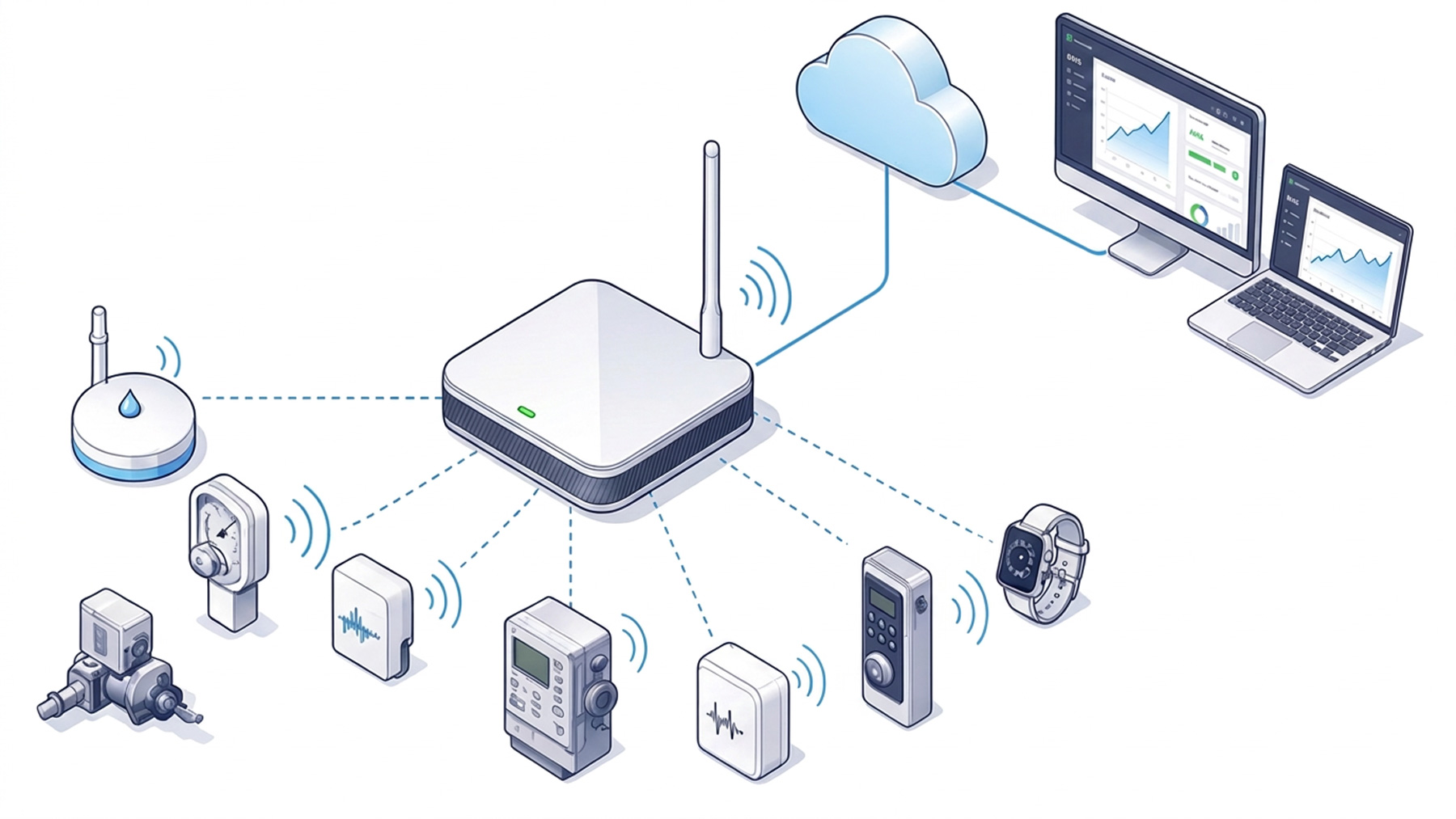
Connect sensors and controllers across interfaces, then show the right data in a web or mobile app. Native support for LoRaWAN, BLE, UWB, RS-485, Digital/Analog I/O, NMEA 2000, BACnet and more.
Process data at the source. Edge rules and automation respond to live sensor status in the plant room — less latency, less bandwidth.
Go past basic monitoring. Custom models at the edge or in the cloud surface earlier issues, track efficiency and support practical AIoT decisions.
No two sites run the same way. We shape dashboards, logic and workflows around how your team works.
Native across the protocols your buildings already speak
Decisions close to the equipment
Edge controllers run rules locally, so responses happen in the plant room — not after a round trip to the cloud. Less bandwidth, and the site keeps working if connectivity drops.
How data moves through the platform
DASHBOARD + MOBILE APP
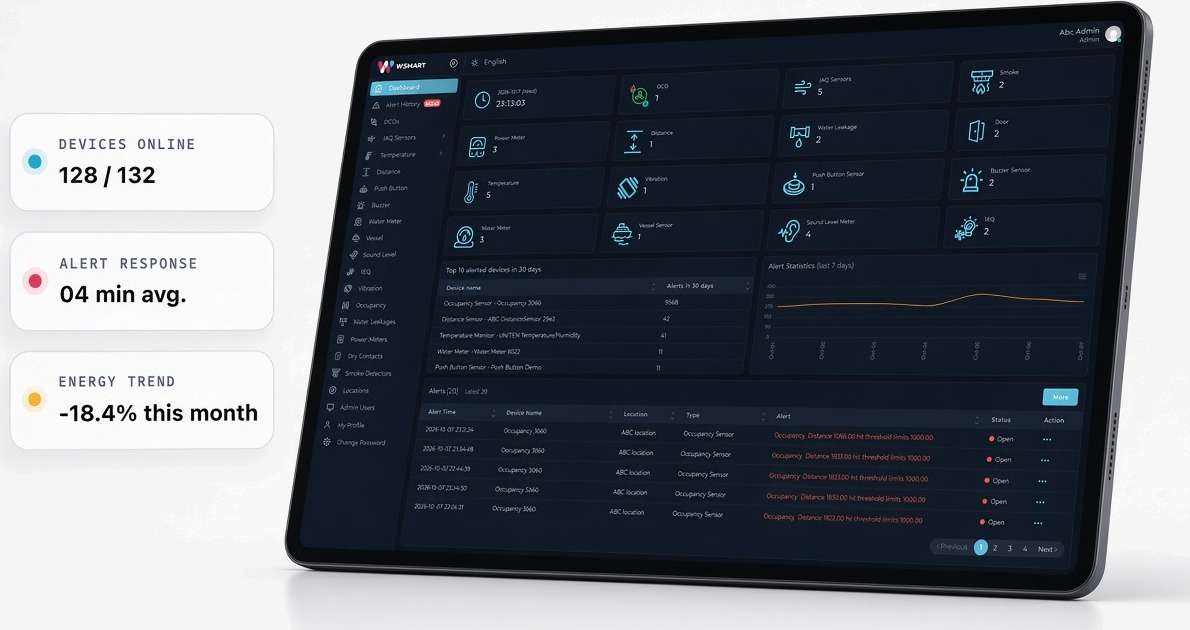
The web dashboard gives the operations team a complete view. The mobile app keeps status, alerts and the next action close to the people working on site.
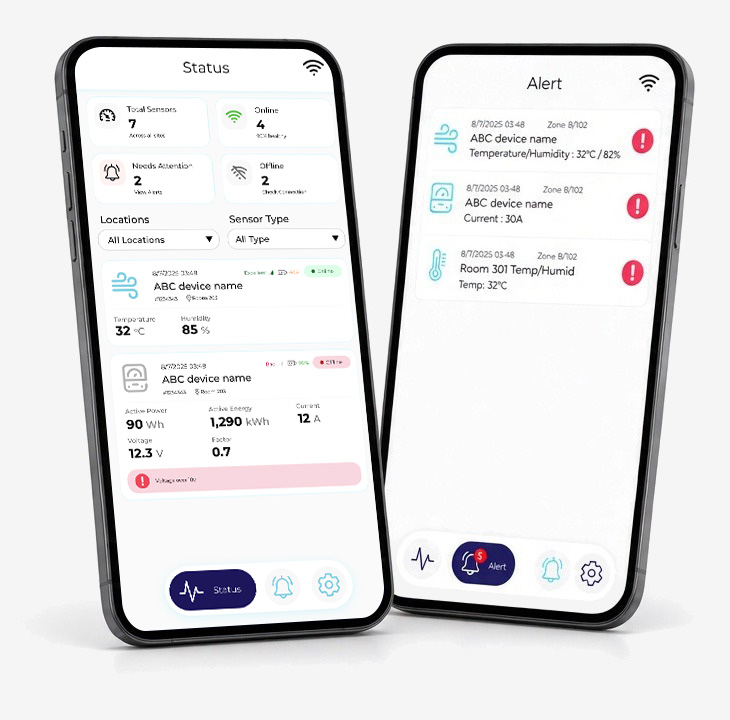
Status at a glance. Check what is online, offline or needs attention.
Action on the move. Review an alert and route the next step without returning to the control room.
ALERT HANDLING + ALARM LOG
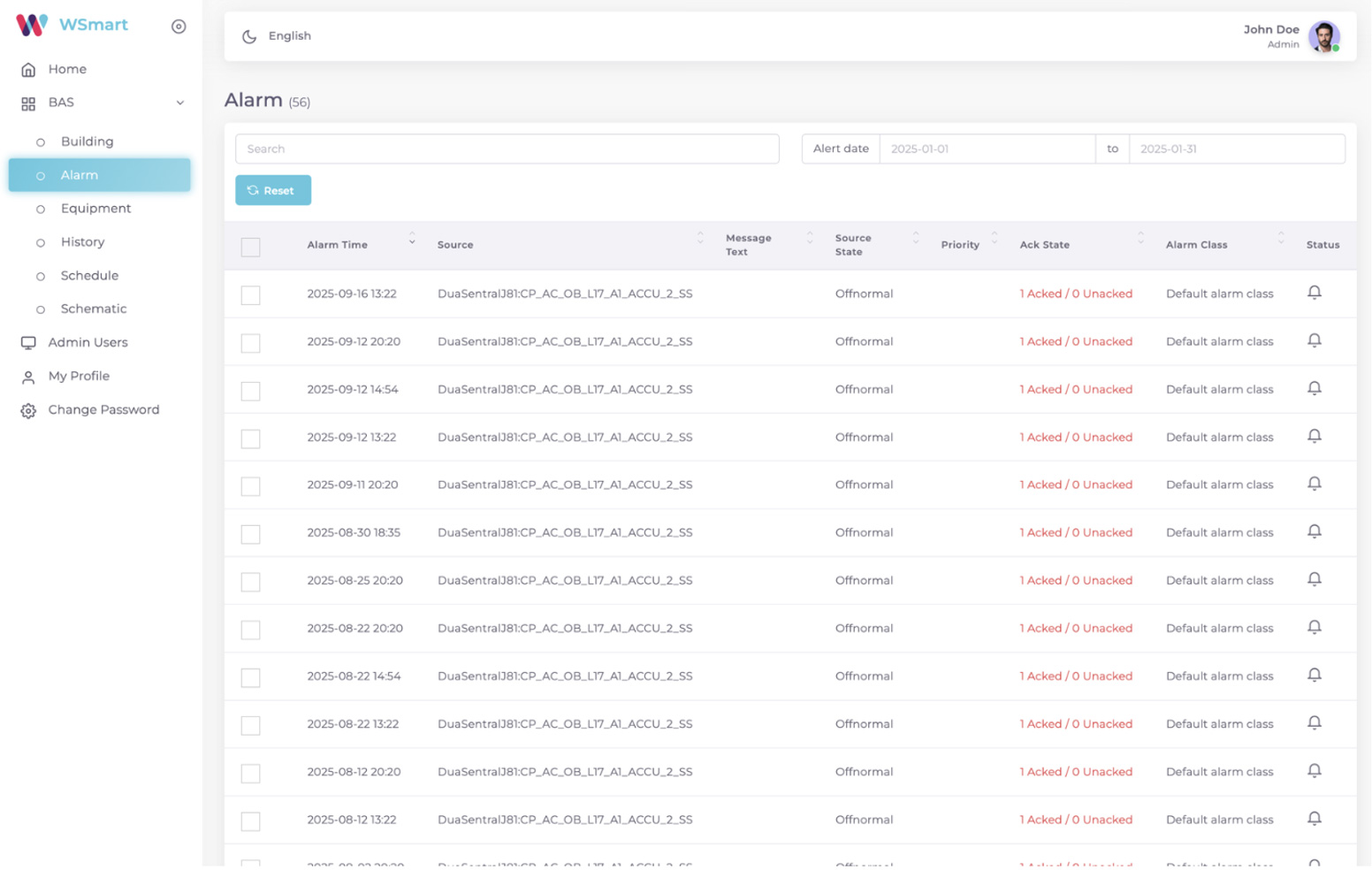
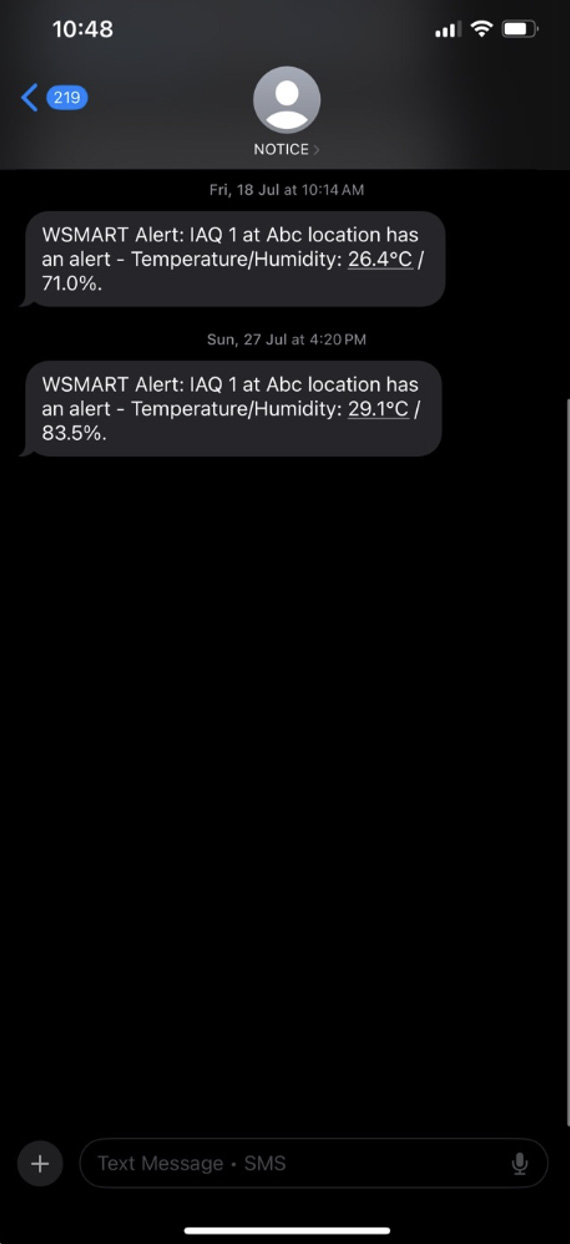
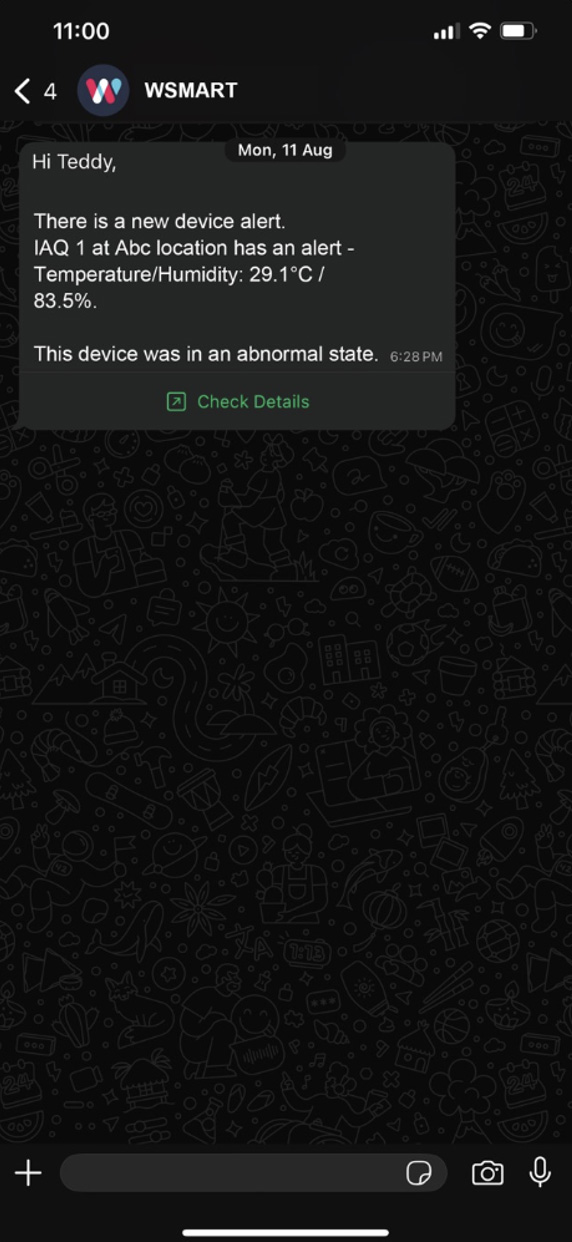
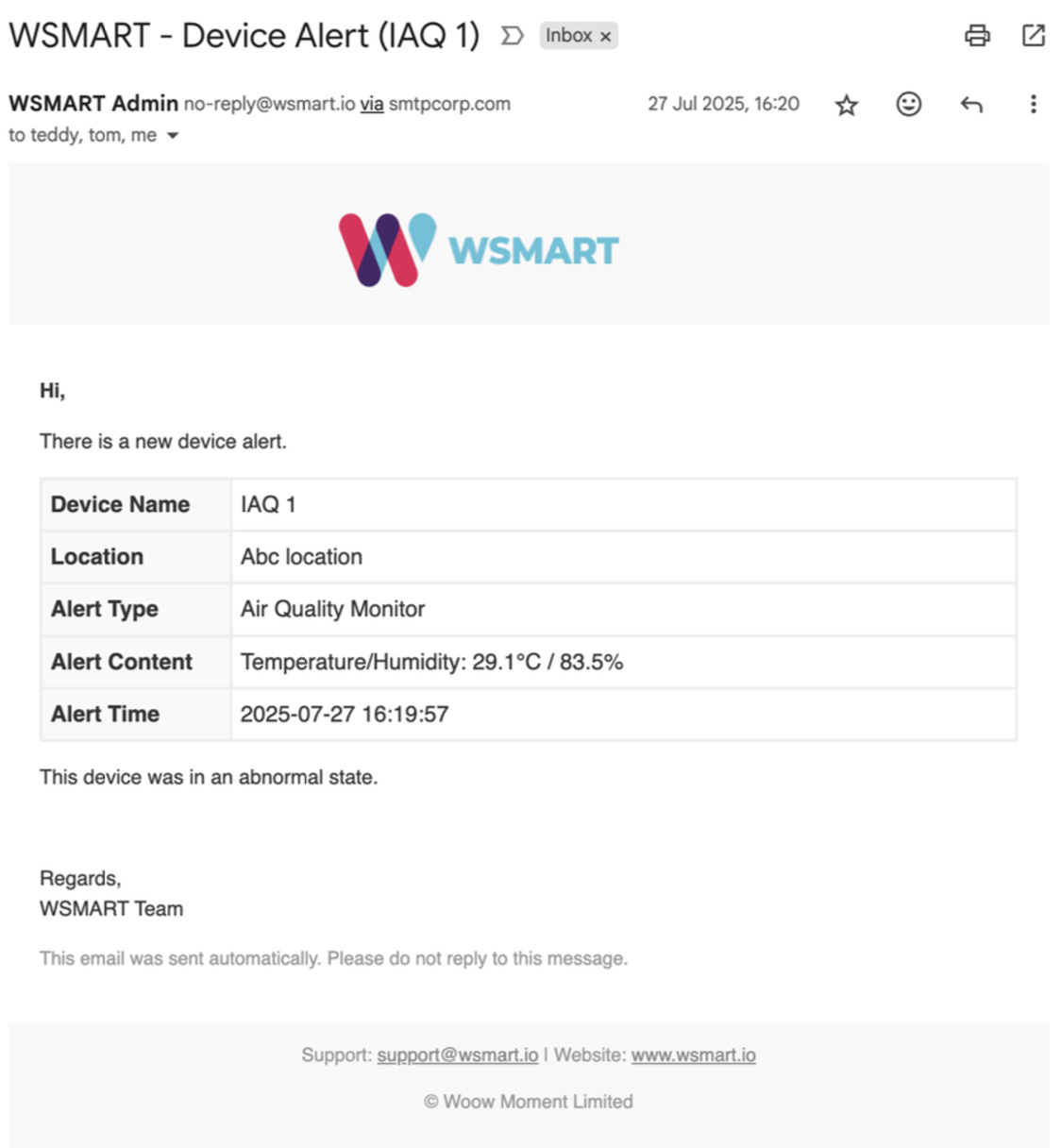
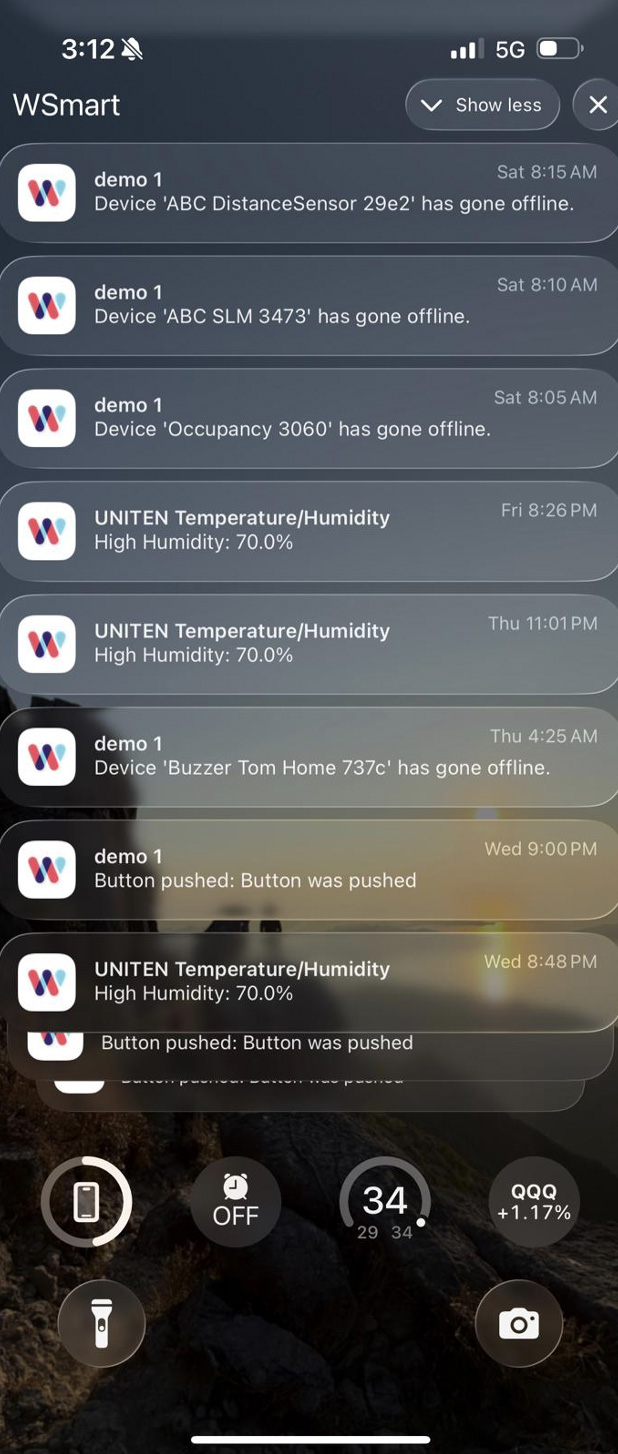
Every threshold breach, SOS button press or fall event raises an alarm in the WSmart log and is pushed out over the channels your team actually uses.
A sensor threshold, SOS press or fall event starts the alarm.
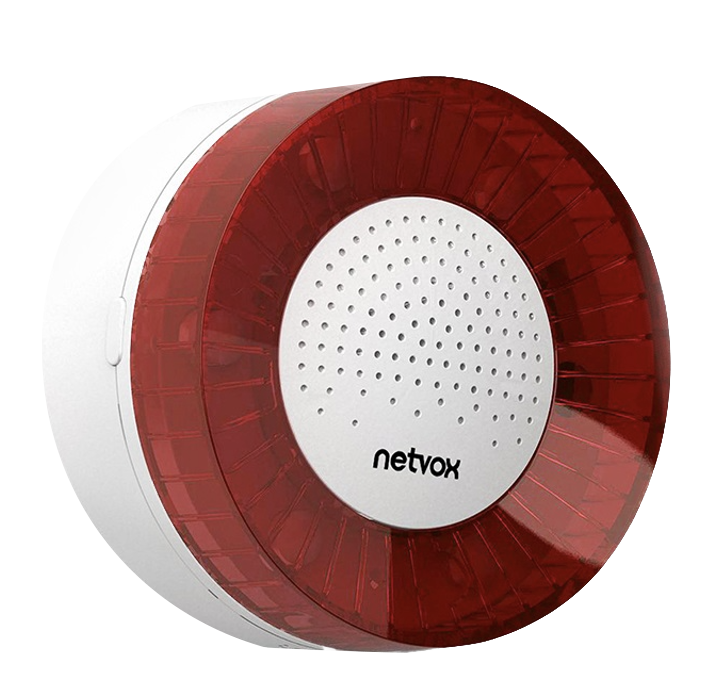
Send the alert to the right role through SMS, WhatsApp, email, app or buzzer.
Continue escalation until the responsible person acknowledges the critical event.
Keep the alert, response and user actions in a searchable historical log.
One place to monitor and control
See live health and status across your device fleet in one view.
Get clear alerts by SMS, WhatsApp, email or mobile app so the team can act sooner. Every alert and user action is kept in the event log.
Assign roles and permissions so the right people see and change the right things.
Schedules run ACMV, lighting and security on set rules — without manual switching.
Build reports for the period and metrics you need — trends you can actually use.
Mobile-first design puts the platform in the operator’s pocket, day and night.
Next step
Tell us the building type, floor area, what systems are already installed, and what you need to solve. We will come back with an assessment.
Book a site assessment